
How Can We Help?
-
HR Manage Application
-
-
- Articles coming soon
-
- Articles coming soon
-
- Articles coming soon
-
-
HR Manage Online
-
Config & Admin
-
IT Documentation
-
Version History
< All Topics
Print
Complete Document
Posted
Updated
Introduction
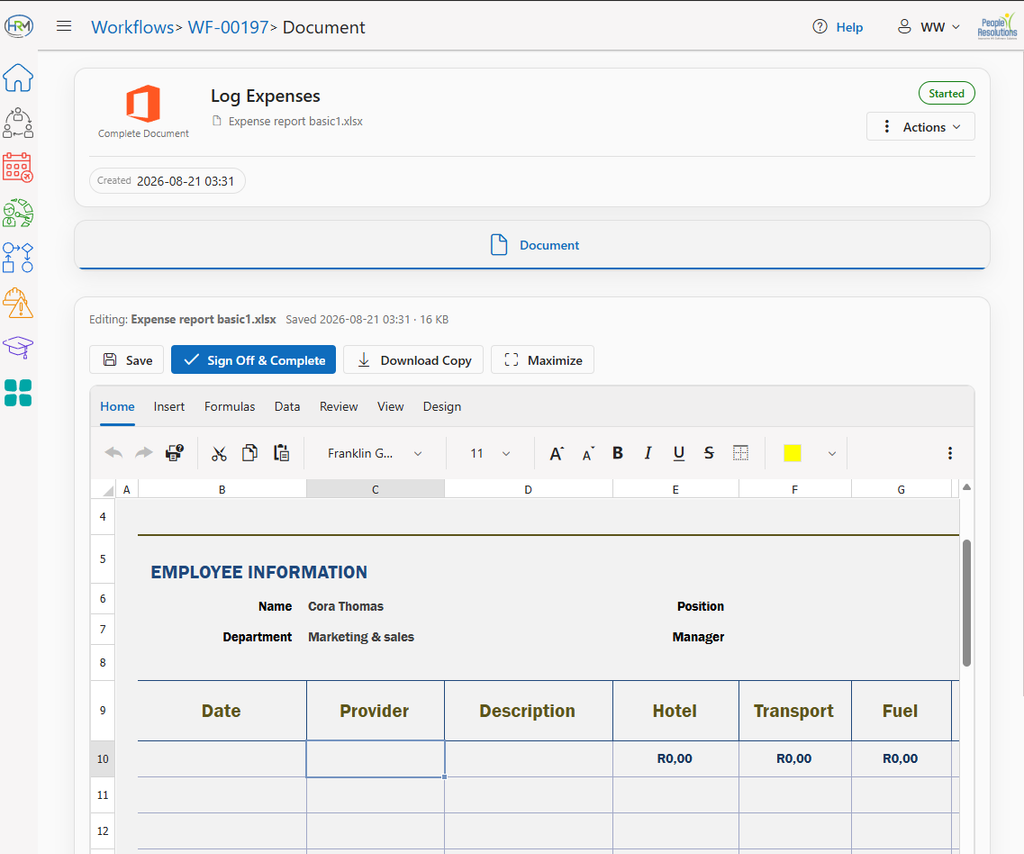
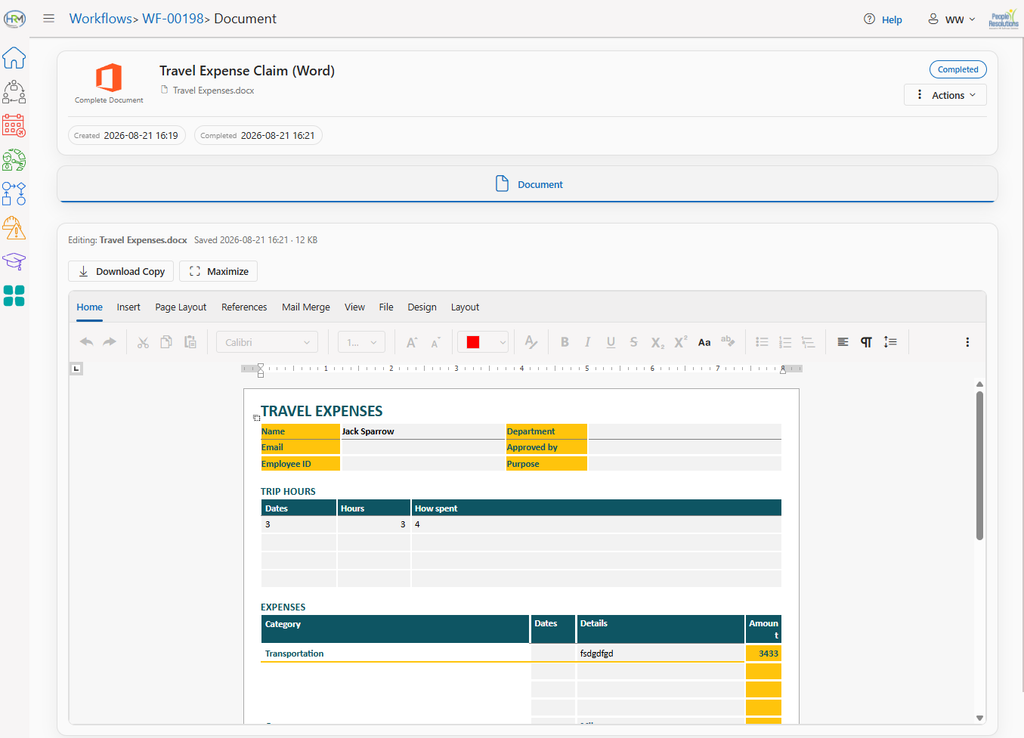
The document completion activity allows the recipient to edit or complete a document. Supported document types are Word Documents, Excel Spreadsheets and Pdf Documents.
Getting Started
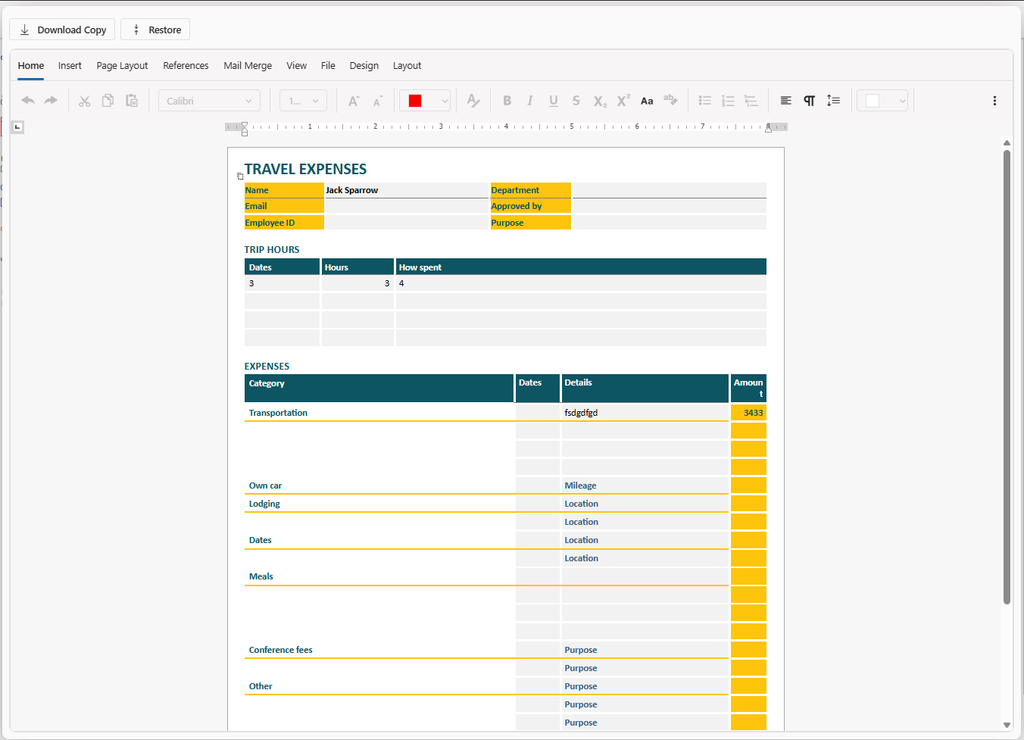
Simply start the activity and complete the document on the page. You can click the Maximize button to resize the editor to fit the whole window and click the Restore button to restore the editor to normal size. A copy of the document can also be downloaded. For security reasons however, you’re not able to load a custom document into the editor.
Pdf Documents have a couple of additional options that can be defined when designing the activity. The available options are:
- Complete Required Fields: If selected, then any editable fields on the Pdf Document that are marked as “Required” would need to be filled in before the activity can be completed.
- Sign Freely: If selected, additional Add Signature and Add Initials buttons will appear in the toolbar, allowing the user to place their signature or initials anywhere in the document.
When signing, the standard signature pad will be displayed with the user’s stored signature preloaded.
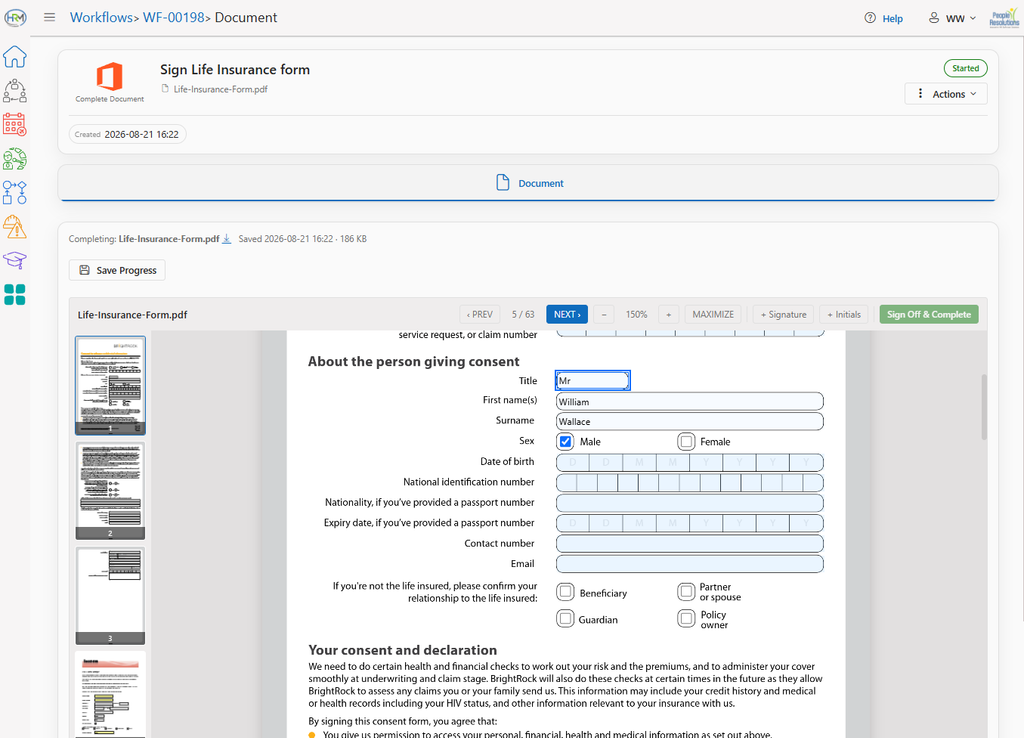
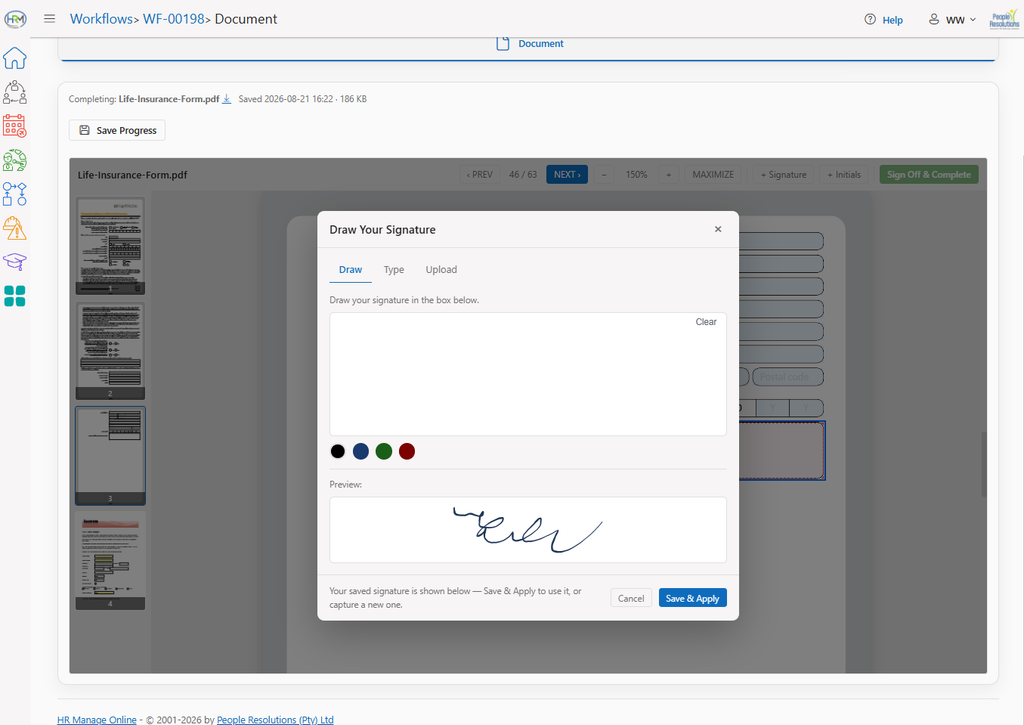
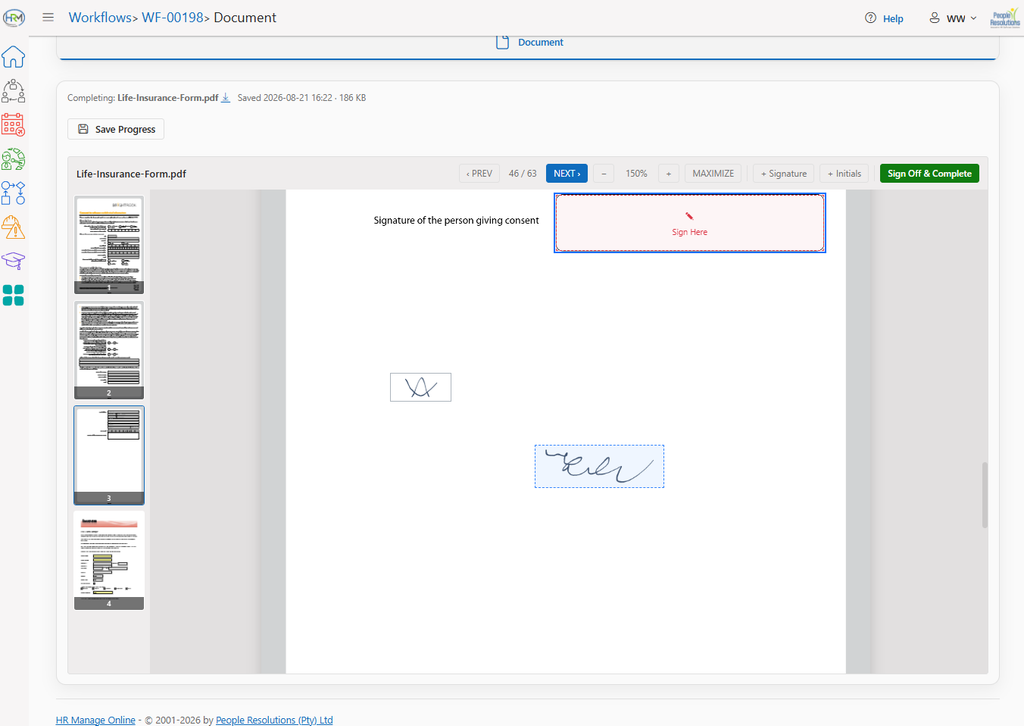
Table of Contents