
How Can We Help?
-
HR Manage Application
-
-
- Articles coming soon
-
- Articles coming soon
-
- Articles coming soon
-
-
HR Manage Online
-
Config & Admin
-
IT Documentation
-
Version History
< All Topics
Print
Managing Job Categories
Posted
Updated
To manage Job Categories, open the Job Profiling module’s Configuration and click Job Categories on the left-hand menu. This will list the Job Categories already in the system. From here, simply open an existing one or click Create New to open the Job Category Editor.
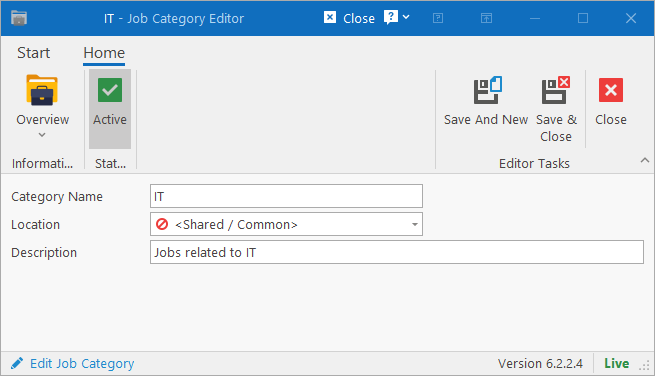
Complete all the fields and click one of the Save buttons. If the job category only applies to a specific location, select one, otherwise leave it as “<Shared / Common>”.
Table of Contents