
-
HR Manage Application
-
-
- Articles coming soon
-
- Articles coming soon
-
- Articles coming soon
-
-
HR Manage Online
-
Config & Admin
-
IT Documentation
-
Version History
Training Provider Editor
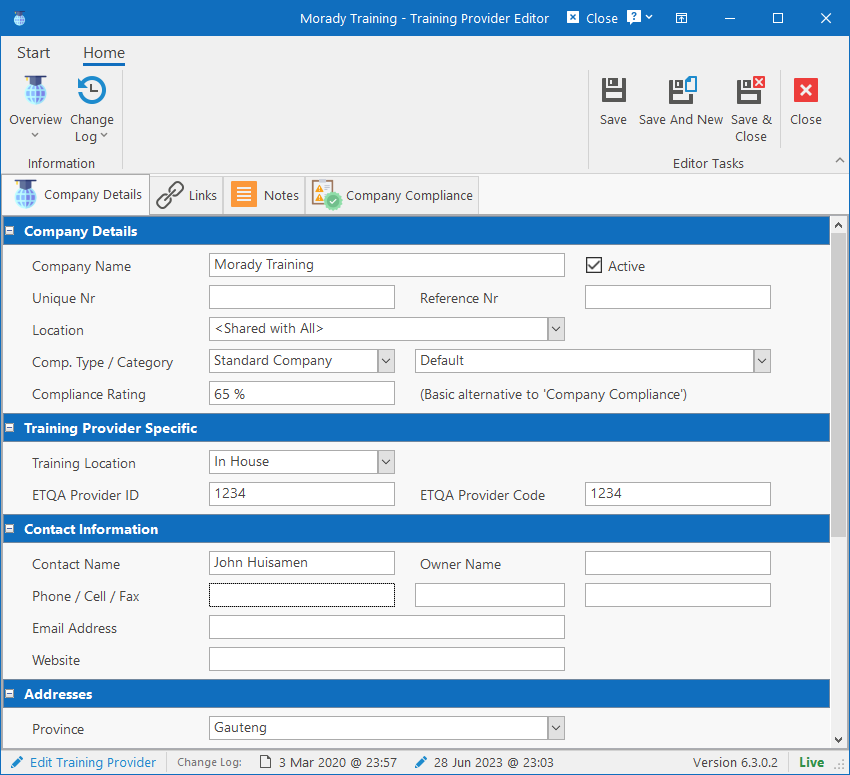
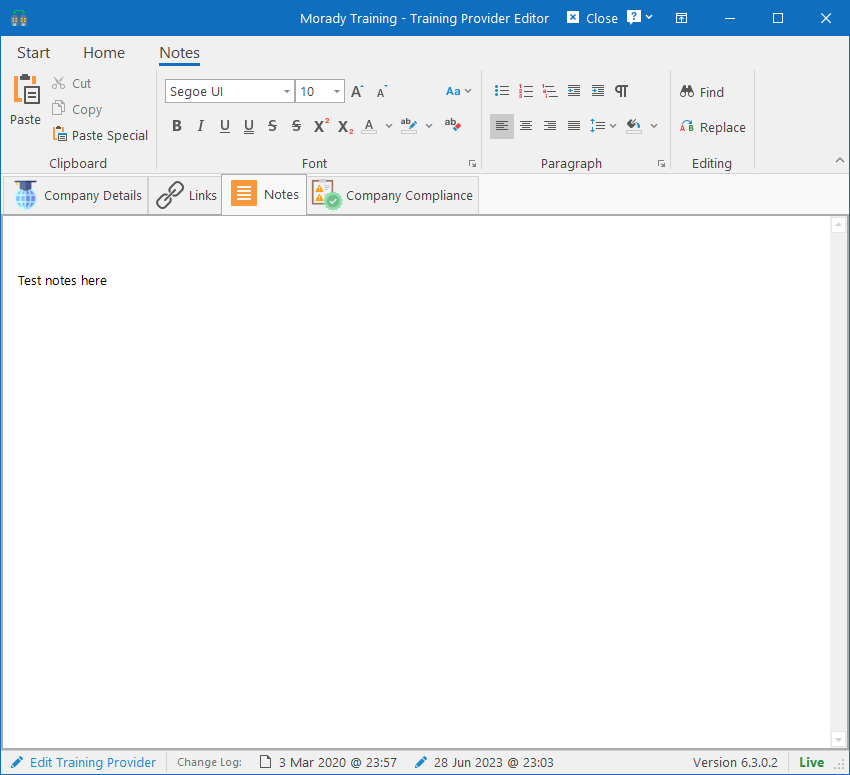
The Training Provider consists of identification information, contact details and addresses and custom defined fields. Detailed notes can be captured under the Notes tab and finally, can be linked to specific Interventions and Practitioners.
Links
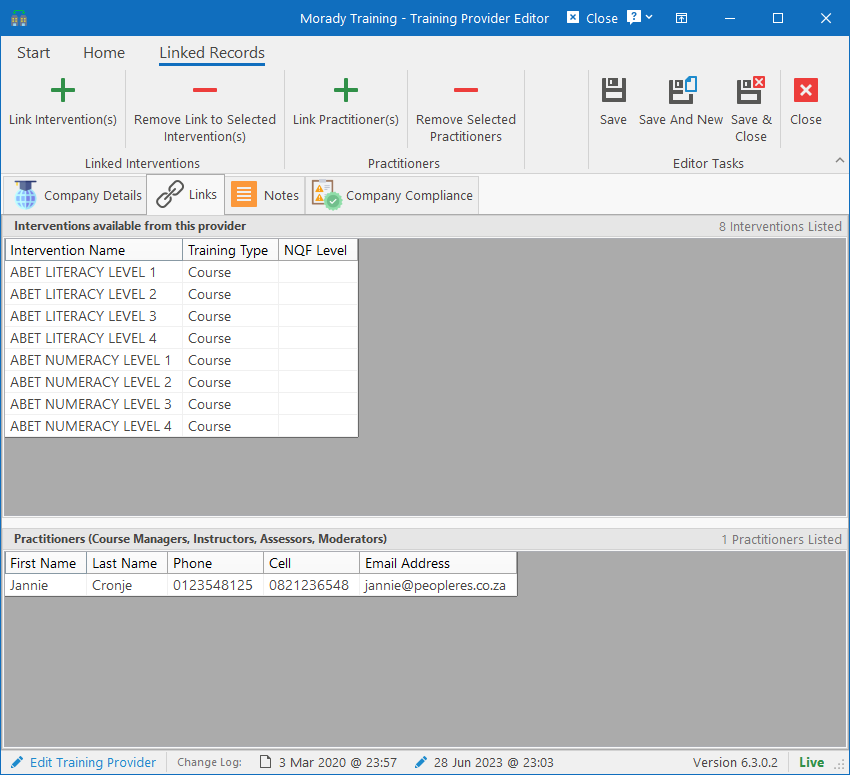
Specifying which Interventions and Practitioners are linked to a Provider will make it easier when scheduling training. The system will automatically filter Providers / Interventions based on the links. Simply click the Link Intervention(s) button on the ribbon bar to browse, select and add interventions from the library.
The same applies to Practitioners which will be short listed when scheduling training, removing the need to manually browse and search for them. Simply click on the Link Practitioner(s) button on the ribbon bar to browse, select and add people from the Employee database.